
Introduction
Spam is not just a nuisance; it is a global epidemic. According to recent cybersecurity statistics, nearly 45% of all emails sent worldwide are spam. That means for every genuine message you receive from a friend or colleague, there is a legitimate chance a bot is trying to sell you miracle pills, fake insurance, or a "Nigerian Prince" inheritance.
Most people try to fight spam the old-fashioned way: by deleting it, marking it as junk, or tirelessly clicking "unsubscribe." But everyday, the pile grows back. It feels like fighting a Hydra cut off one head, and two more grow in its place.
Why is it so hard to stop? Because the system is rigged against you. Once your email is on a "List," it is traded, sold, and circulated among marketers and scammers forever.
The only way to win this game is not to play. In this ultimate guide, we will reveal the dirty mechanics of the spam industry and show you the only proven method to stop spam forever: The Disposable Email Strategy.
The Mechanics of Spam: How Did They Find Me?
You might wonder, "I never signed up for 'Cheap Roof Tiles in Ohio', so why am I getting emails about it?"
Your email address gets leaked in three primary ways:
1. The "Harvesting" Bots
Spammers use automated software called "crawlers" or "harvesters" that scan billions of web pages. If you have ever posted your email in a public comment section, a forum profile, or a "Contact Us" page without protection, a bot scraped it.
2. The "Legitimate" Sale
This is the most common method. You sign up for a legitimate service say, a free weather app. Somewhere in the 50-page Terms of Service that you didn't read, there was a clause: "We may share your data with selected partners." Those partners are advertising networks. They buy your email legally and flood you with offers.
3. Data Breaches
When a big company gets hacked (like Adobe, LinkedIn, or Yahoo in the past), hackers steal millions of email addresses. These lists are sold on the Dark Web for pennies. Spammers buy these lists in bulk to send phishing campaigns.
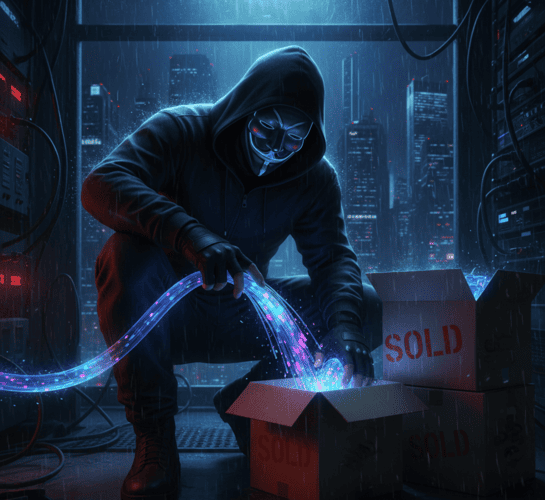
The Trap: Why "Unsubscribe" Often Makes It Worse
This is the counter-intuitive secret that most users don't know. When you see a spam email, your instinct is to scroll down and click "Unsubscribe."
Stop! If the email is from a legitimate company (like Amazon or Netflix), clicking unsubscribe works. But if the email is from a spammer or a shady source, clicking that link is a huge mistake.
Here is why:
-
Validation: Spammers send emails to millions of random combinations. They don't know if
[email protected]actually exists. When you click "Unsubscribe" (or even open the email if images load), you send a signal back: "This human is real, active, and clicks on links!" -
Value Increase: Your email address just went from a "Possible Lead" to a "Verified Active User."
-
Reselling: The spammer can now sell your validated email for a higher price to other spammers.
The Result: You clicked unsubscribe to stop 1 email, but you triggered 10 new ones.
The Only Real Solution: The Firewall Strategy
You cannot clean a muddy river by filtering the water cup by cup. You have to stop the mud from entering the source.
This is where TempMailM comes in. We call this the "Firewall Strategy."
Step 1: Treat Your Primary Email Like a Vault
Your real email address should be a secret. Only give it to:
-
Government/Taxes
-
Bank/Insurance
-
Family/Close Friends
-
Paid Subscriptions you trust
Step 2: Use Disposable Email for " The Grey Zone"
For everything else every newsletter, every ebook, every Wi-Fi login, every forum registration use a TempMailM address.
When you use a disposable email, the spam goes to a temporary inbox.
-
If they sell that address? Who cares. The inbox is deleted.
-
If they send spam next week? It bounces. The address doesn't exist.
-
If they try to track you? Dead end.
You are effectively creating a "Burner Identity" for every interaction. The spam hits the burner, and your real life stays protected.
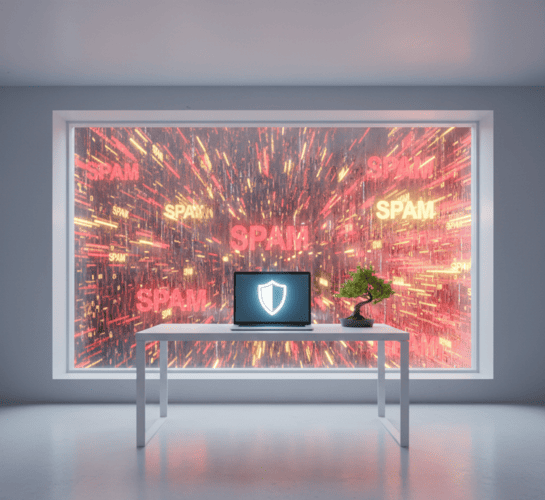
Advanced Tactics: Protecting Your Privacy
Beyond using temp mail, here are three additional settings to tweak in your primary email to stop tracking:
-
Disable "Load Images Automatically": Marketers embed invisible 1x1 pixel images in emails. When these load, they tell the sender where you are (IP address), what device you are using, and exactly when you read the message. Turn off image loading in your Gmail/Outlook settings.
-
Use Email Aliases (The "+" Trick): If you use Gmail, you can add a
+sign to your name. For example:[email protected]. Emails still come to you, but you can see who sold your data. If you start getting spam at that specific address, you know exactly which shop betrayed your trust. (Note: Temp Mail is still safer as it keeps spam out entirely). -
Never Reply to Spam: Sending an angry reply like "STOP EMAILING ME" does the same thing as the unsubscribe button it validates you exist. Just delete and block.
Conclusion: Reclaim Your Digital Peace
Living with zero spam is not a fantasy. It is a choice.
The spam industry relies on your passivity. They rely on you giving up your real address because it's convenient. Break the cycle today.
Make TempMailM your default "first contact" for the internet. Let us catch the junk, the bots, and the trackers. Keep your primary inbox for what it was originally designed for: communication with the people who actually matter.
Start today. Generate your first shield, and watch your spam volume drop to zero.